

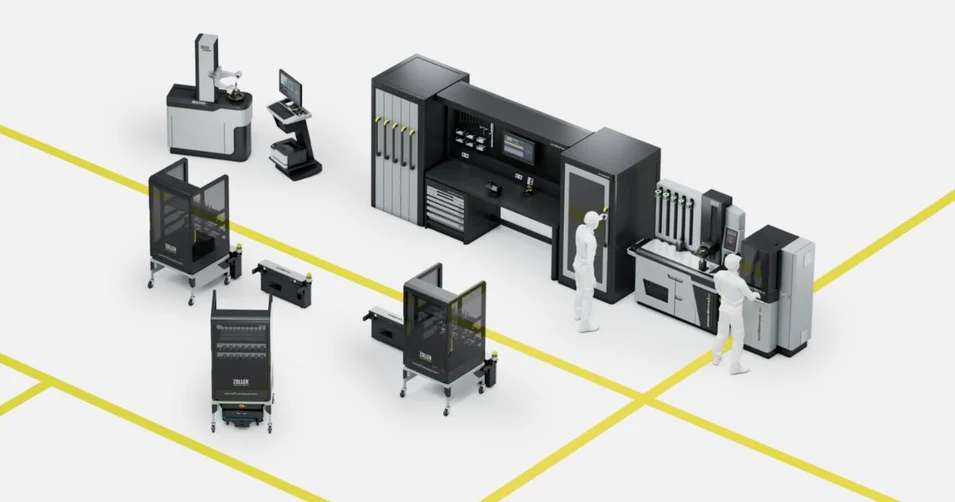
Automation: Your Advantages
Find out how you can automate tool preparation, provision, logistics and inspection with ZOLLER. Realize your highly efficient Smart Factory according to your needs.
Learn more
With »pilot 4.0«, you define all the steps that »roboSet 2« should carry out for the next jobs. The software also impresses with intuitive operation, clear menus, large buttons and a customizable interface. You can plan and start tool inspections quickly and document data easily.

The status display in percent shows how far the current pallet has already been processed. This also makes it possible to calculate when the tools on the pallet will be fully measured and can be removed by the operator.
The ZOLLER pallet management defines the loading and the parameters. All tools can therefore be measured without further user input, and customer-specific pallets can be defined. In addition, pallet management differentiates the tools and marks them with different colors, for example if a tool is out of tolerance.
The status display in percent shows how far the current pallet has already been processed. This also makes it possible to calculate when the tools on the pallet will be fully measured and can be removed by the operator.
The ZOLLER pallet management defines the loading and the parameters. All tools can therefore be measured without further user input, and customer-specific pallets can be defined. In addition, pallet management differentiates the tools and marks them with different colors, for example if a tool is out of tolerance.
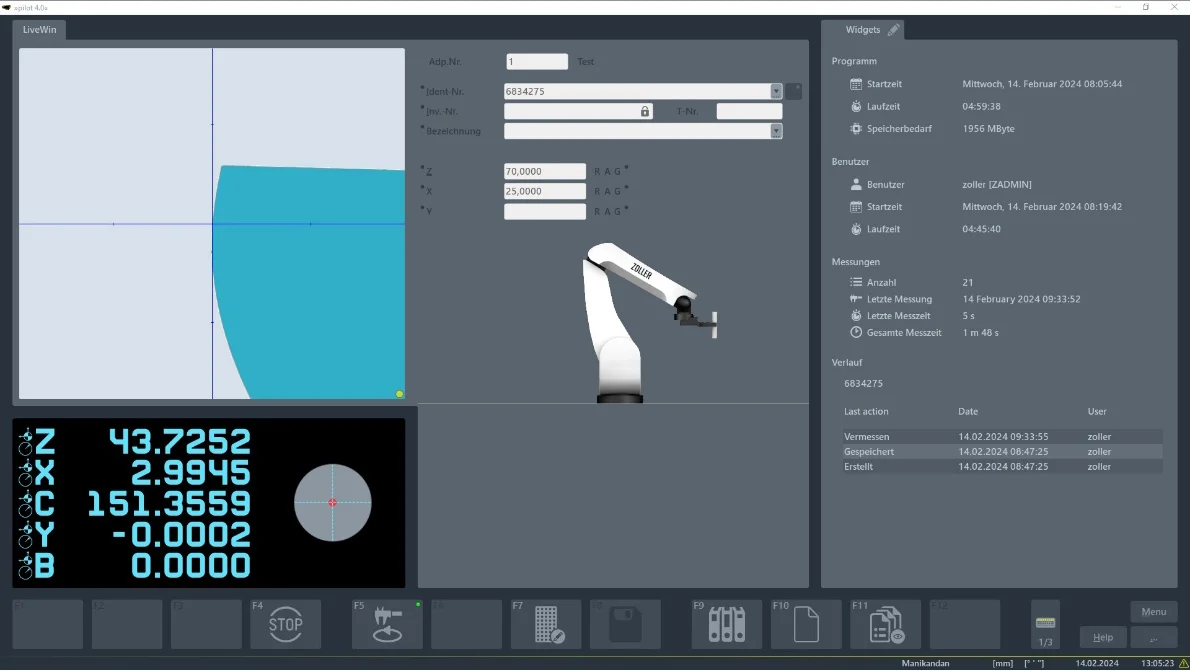
The "cutting edge shape" field shows an image of the current cutting edge shape used for the measurement. The image is only there to visualize and identify the cutting edge shape for the operator. A real assistant that makes the user’s work easier.
The axis positions in »pilot 4.0« on ZOLLER presetting and measuring machines are important reference points that make it possible to check and adjust the exact positioning of the tool or the cutting edge. Each axis position represents a specific orientation or position of the tool. By using the axis positions, users can make sure that the tool is positioned correctly and shows no deviations, which leads to higher accuracy and efficiency in machining.
The function keys in »pilot 4.0« from ZOLLER enable users to operate the software efficiently and make it easier to navigate and carry out tasks within the software. For example, the function keys can be used to start tool measurement, load tool data and switch views.
The "cutting edge shape" field shows an image of the current cutting edge shape used for the measurement. The image is only there to visualize and identify the cutting edge shape for the operator. A real assistant that makes the user’s work easier.
The axis positions in »pilot 4.0« on ZOLLER presetting and measuring machines are important reference points that make it possible to check and adjust the exact positioning of the tool or the cutting edge. Each axis position represents a specific orientation or position of the tool. By using the axis positions, users can make sure that the tool is positioned correctly and shows no deviations, which leads to higher accuracy and efficiency in machining.
The function keys in »pilot 4.0« from ZOLLER enable users to operate the software efficiently and make it easier to navigate and carry out tasks within the software. For example, the function keys can be used to start tool measurement, load tool data and switch views.
Automation is more than just a step. It is a giant leap towards new priorities. Determine how you want to deploy your skilled personnel in the future. »roboSet 2« is efficient automation for tool manufacturers and grinding stores.
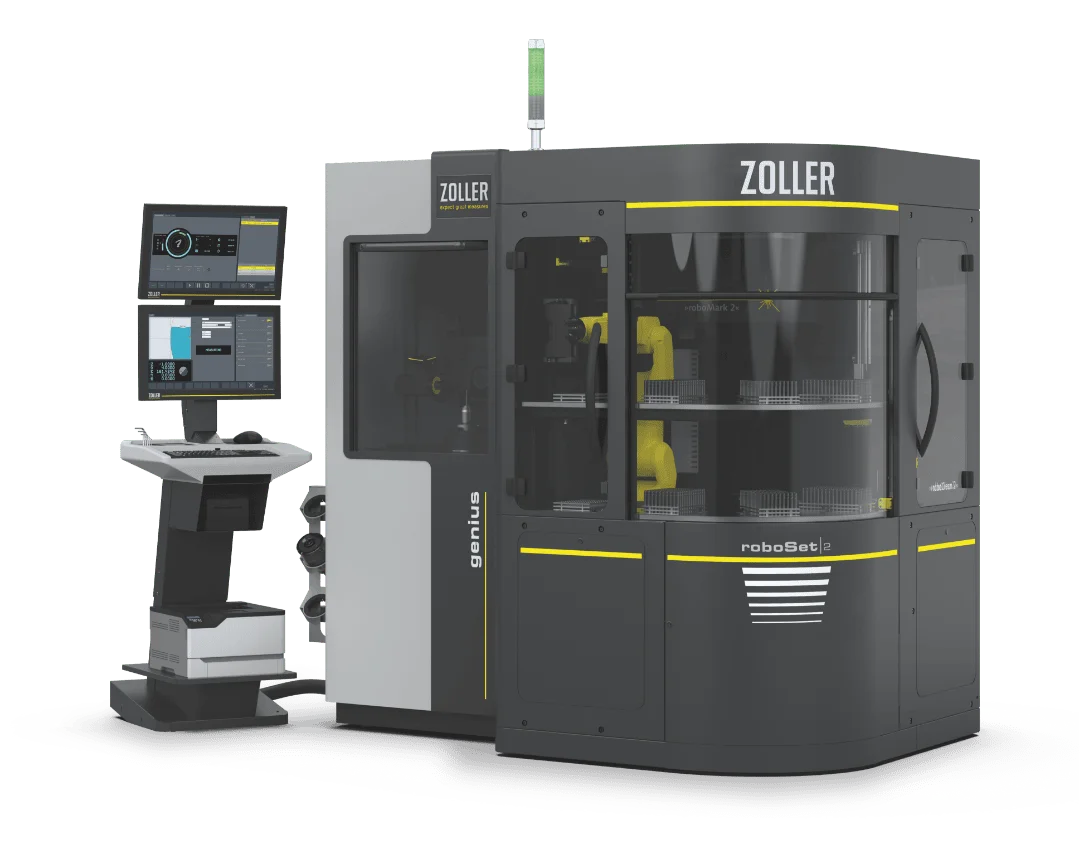
Find out how you can automate tool preparation, provision, logistics and inspection with ZOLLER. Realize your highly efficient Smart Factory according to your needs.
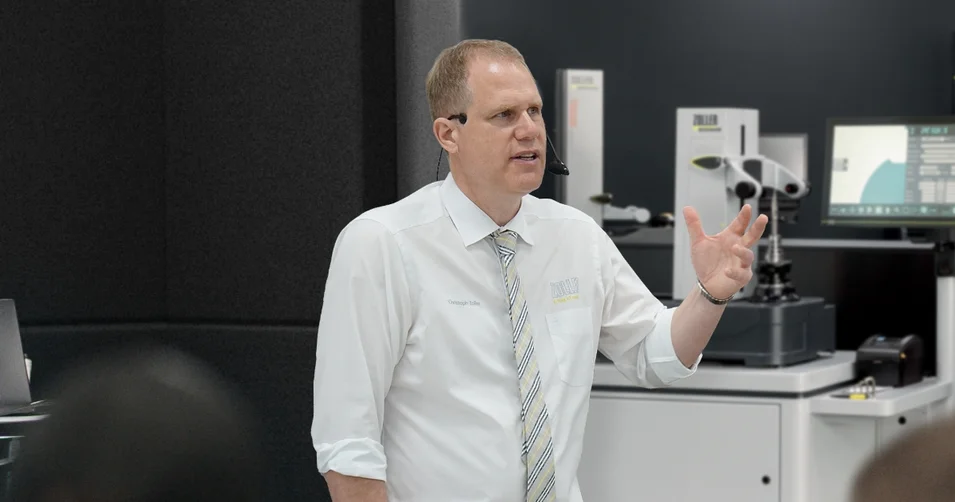
The individual exchange about your goals and our ideas for achieving them. Online advice from ZOLLER directly from the Smart Factory. Arrange your appointment now.