

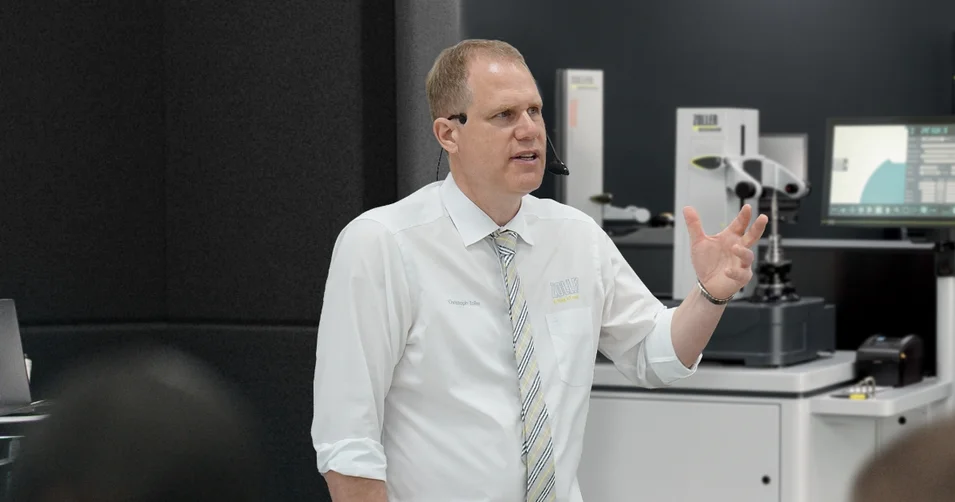
1:1 Expert Meeting
The individual exchange about your goals and our ideas for achieving them. Online advice from ZOLLER directly from the Smart Factory. Arrange your appointment now.
Learn more
Frequently Asked Questions
Yes, with the device-independent web app, you can access the central tool management system on the go using any web browser, view all production-related information, and make tool reservations.
ZOLLER has over 25 CAM and simulation system integrations and can also connect to ERP, MES, and electronic issuance systems, as well as various other relevant systems that have an API.
ZOLLER provides integrated tool life management and monitoring with comprehensive statistical analysis as needed. Bidirectional tool life data transfer with the machines can, for example, be implemented flexibly and universally using ZOLLER’s »zidCode 4.0« technology.
With ZOLLER TMS, your company’s manufacturing expertise stays within your organization. ZOLLER uses a database on your own servers that no one else has access to.
Yes, thanks to the software’s modular structure, you can start with the features you need today and add additional software modules at any time later on. This way, the system grows with your needs, in line with the motto: Start with a Solution – Enter a System.
Of course, you can import existing data. You can import not only Excel lists but also digital data – such as tool parameters and 2D and 3D graphics – directly from the manufacturer.
Thanks to its modularity and scalability, the software can be used cost-effectively for both very small businesses and large-scale production runs.
With ZOLLER TMS, you can digitize the entire production process – from drawing and programming in CAM through inventory management, tool preparation, and tool measurement all the way to the machine and back again.
All workstations in the manufacturing process use the same user interface and database. This ensures a seamless manufacturing process with a coordinated system of software and hardware.
Our support team is available to our customers by phone and email at any time and can provide assistance even on short notice.
Thanks to our regional application engineering teams at our sales and service branches, we can be on-site promptly when needed.
Regular major updates (usually once a year) are installed on-site in collaboration with your IT department. Patch updates can be conveniently downloaded online.
The drawers can be locked either electronically or mechanically. In addition, the »smartCompartment« feature allows for individual compartment locking.
The contents can be customized as desired. The »toolOrganizer« features drawer dividers called »smartCompartment« to help you organize your drawers efficiently. With the »keeper«, you can adjust the height of each level and equip them with the appropriate tool holders from ZOLLER Tooling Solutions.
Yes, these can also be controlled over the network.
The individual exchange about your goals and our ideas for achieving them. Online advice from ZOLLER directly from the Smart Factory. Arrange your appointment now.
Here you will find media releases, product announcements, trade fair appearances, press reports from trade magazines, the news archive and our contacts for the media.