

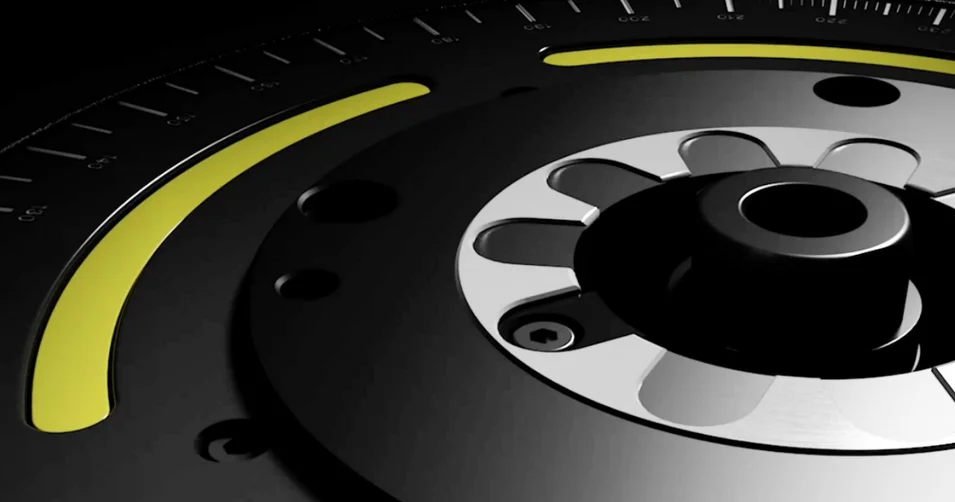
Tool Balancing Technology: Your advantages
Balancing is underestimated. Yet balancing leads to greater efficiency because it reduces costly tool wear and relieves the load on machine spindles.
Learn more
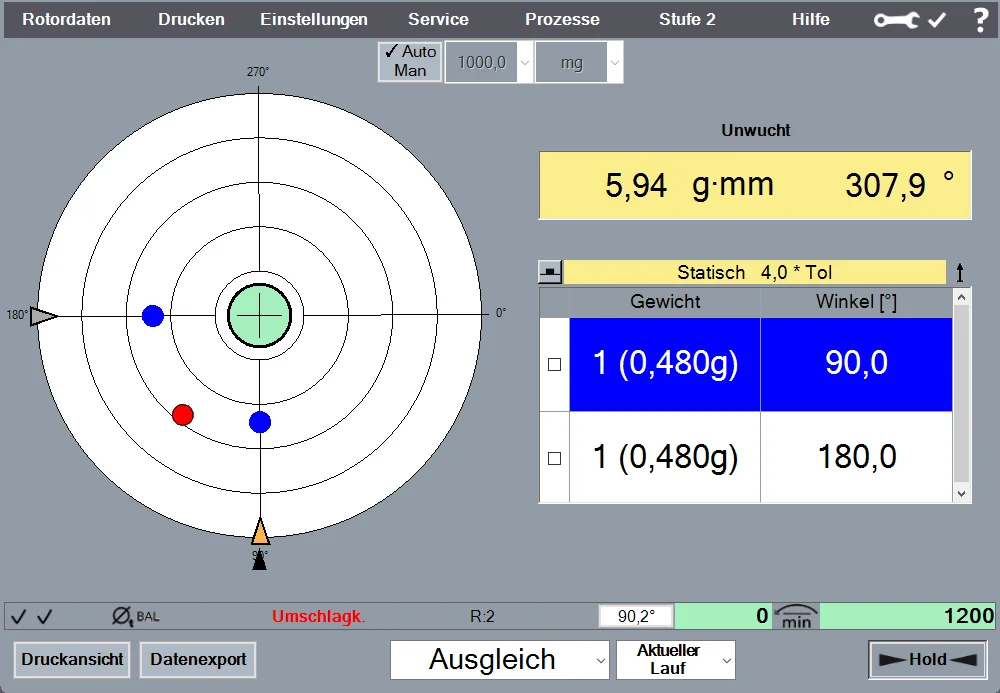
Intuitive software with a graphical user interface for quick and simple balancing in one or two planes, including a wide range of standard functions.

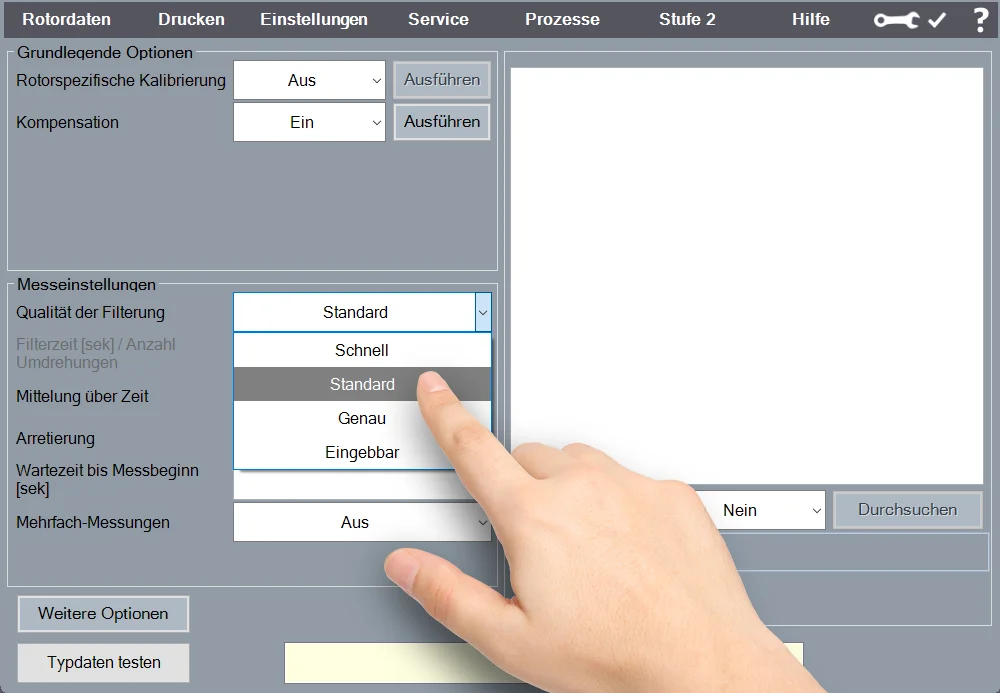
Convenient operation of the software via touchscreen.
Graphic display of the spindle's angular position on the monitor.
Balancing Correction “Various Weights”:
Correction of unbalance by adding or removing weights (e.g., balancing screws). Includes the option to specify existing weight sets.
Balancing Correction “Shift
Weights”: Compensates for unbalance by rotating balancing rings or slotted nuts.
Balancing “Radial
Drilling”: Provides correction for unbalance through radial drilling. Automatically calculates the number, angular position, and depth of the drill holes.
Balancing correction “Milling
”: Compensates for unbalance through radial, tangential, or axial milling.
Balancing correction “Axial
Drilling”: Compensates for unbalance through axial drilling. Automatic calculation of the number, angular position, and depth of the drill holes.
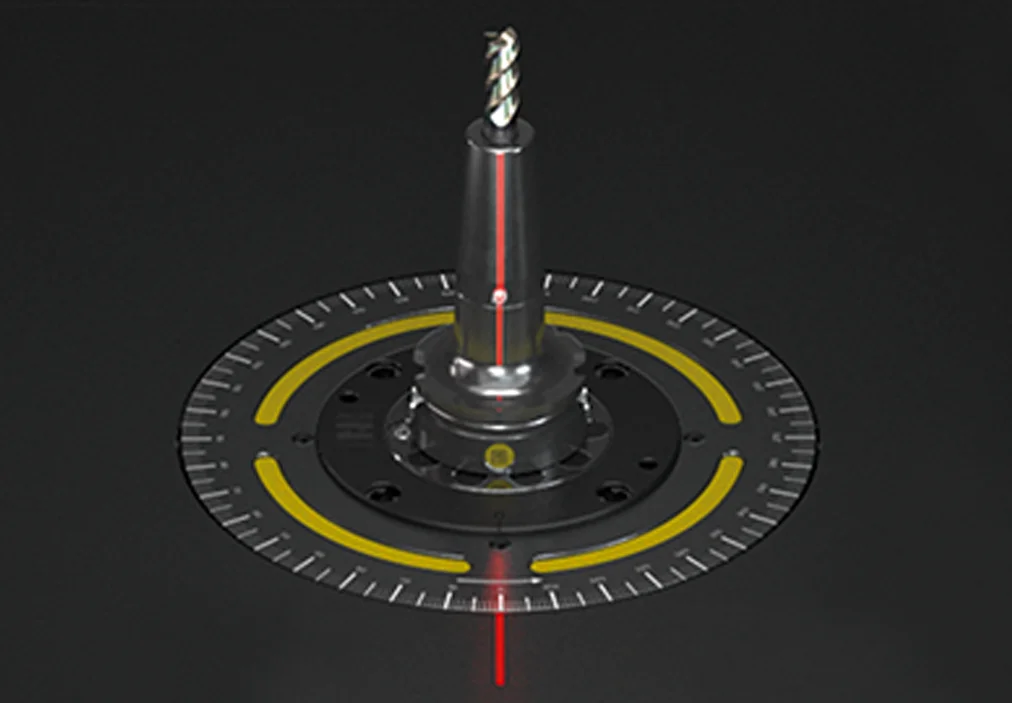
Display of the unbalance and correction position on the chuck via a laser beam.
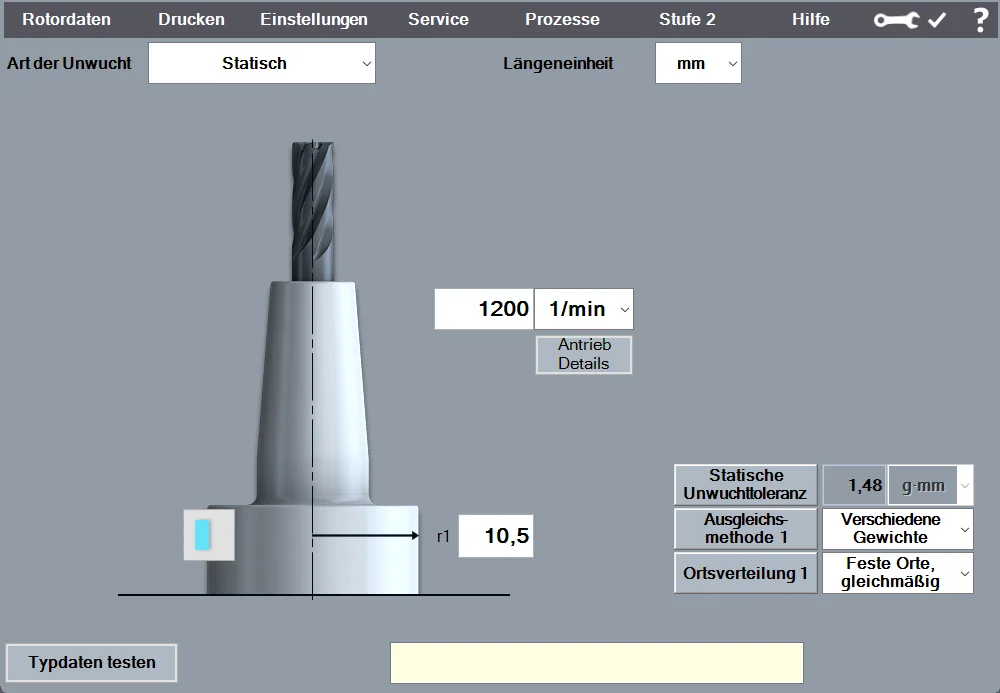
For measuring and correcting unbalance in a single plane (static).
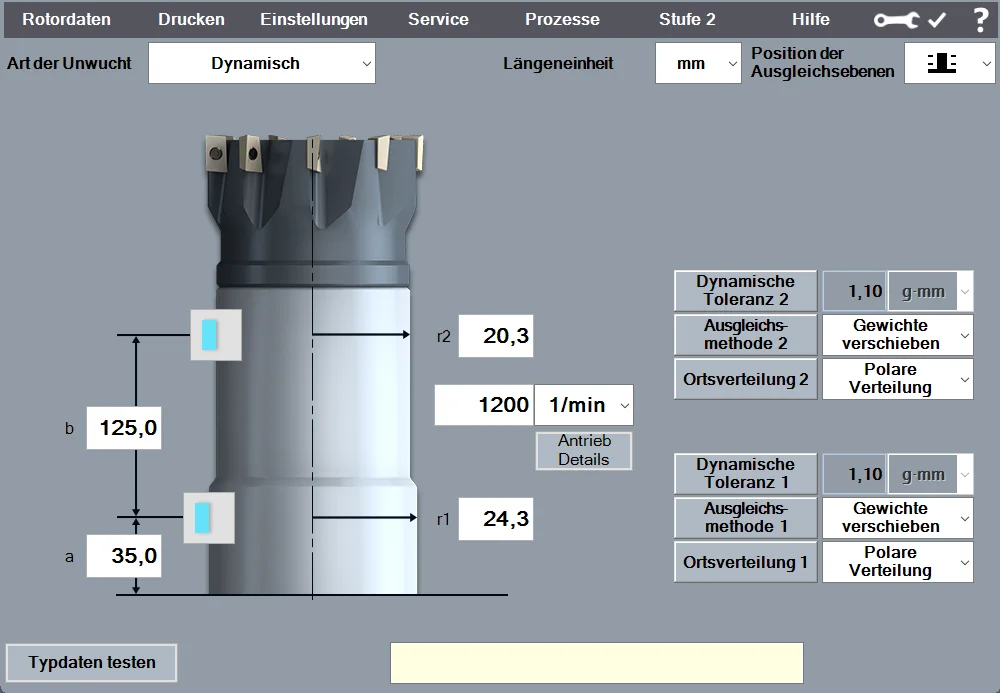
For measuring and correcting unbalance in two planes (dynamic).
Label
Printing: Output of measurement results in one or two planes using a ZOLLER label printer.
Report
printing: Output of the measurement report as a printout on a laser printer or as a PDF file, including an editing function.
Measurement Data Export
: Automatic export of measurement data in CSV format.
Balancing is underestimated. Yet balancing leads to greater efficiency because it reduces costly tool wear and relieves the load on machine spindles.
The individual exchange about your goals and our ideas for achieving them. Online advice from ZOLLER directly from the Smart Factory. Arrange your appointment now.